
POS Integration
Taly’s POS integration allows partners to process in-store transactions seamlessly, without needing to manually access the partner portal. Through our POS extension and API endpoints, merchants can create orders, send SMS payment links to customers, and receive real-time transaction statuses directly on their POS system instantly send them via SMS to collect payments seamlessly.
Access Taly POS Extension
- Open your POS system integrated with Taly.
- Select “Taly” to start an order.
- Enter Transaction Details:
- Customer mobile number
- SMS language
- Payment Plan
- View total order with details (optional)
- Generate and send SMS Payment Link
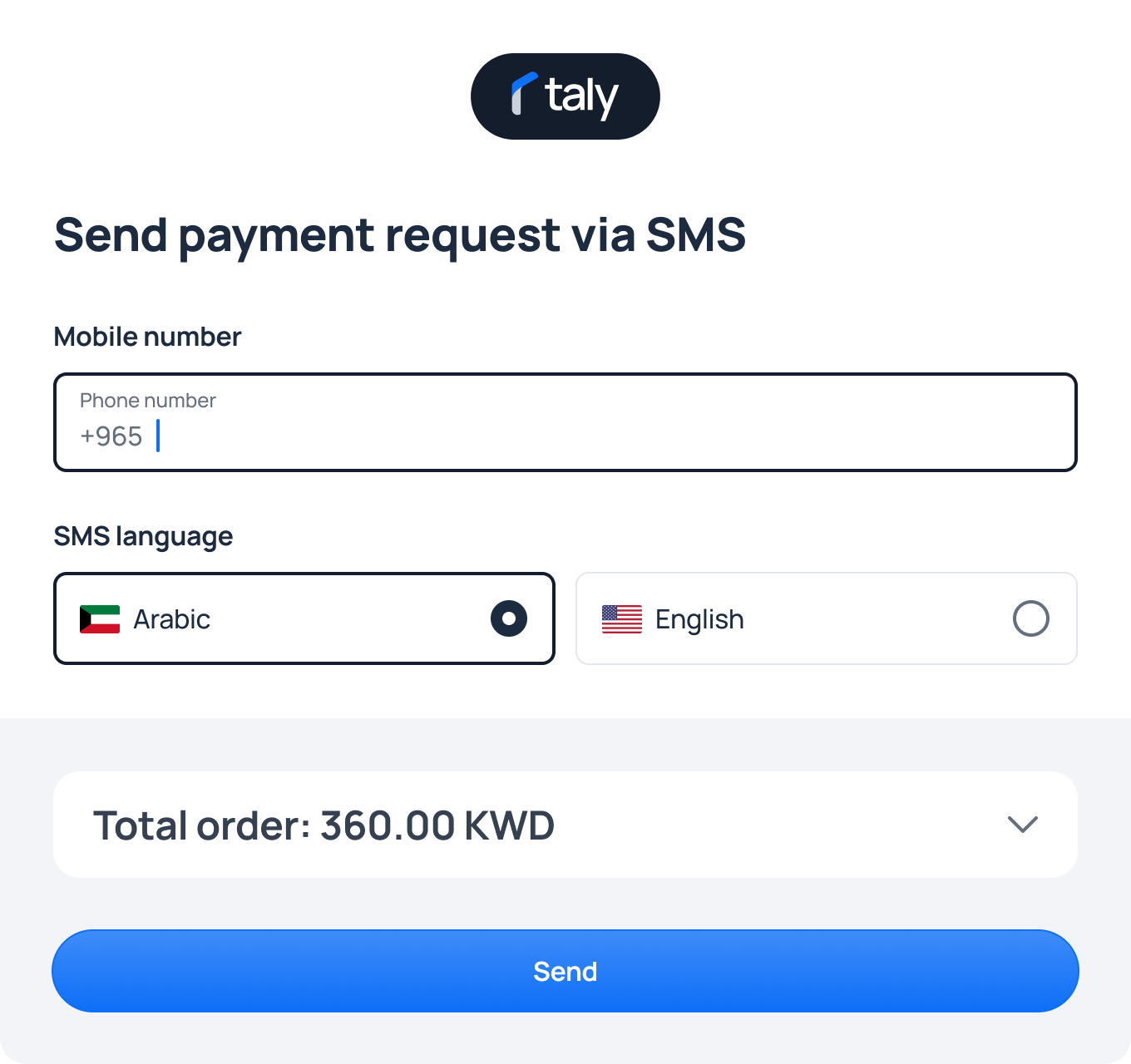
The POS automatically sends a secure payment link via SMS to the customer.
Link Validity: 15 minutes.
Customer Confirmation
Customer opens the SMS link, reviews the plan, and confirms the order.
Transaction Status
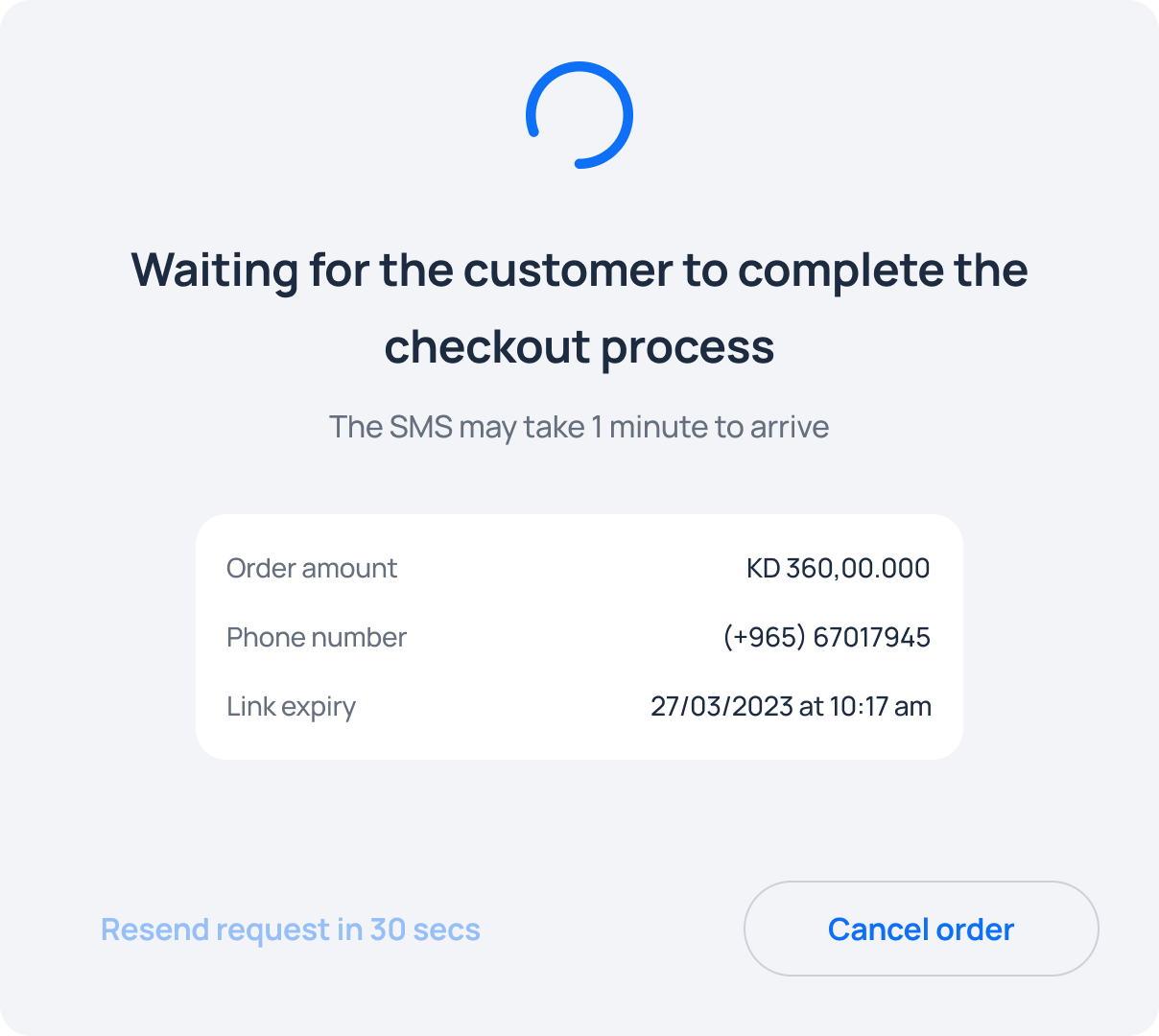
Waiting till the customer pays the first payment
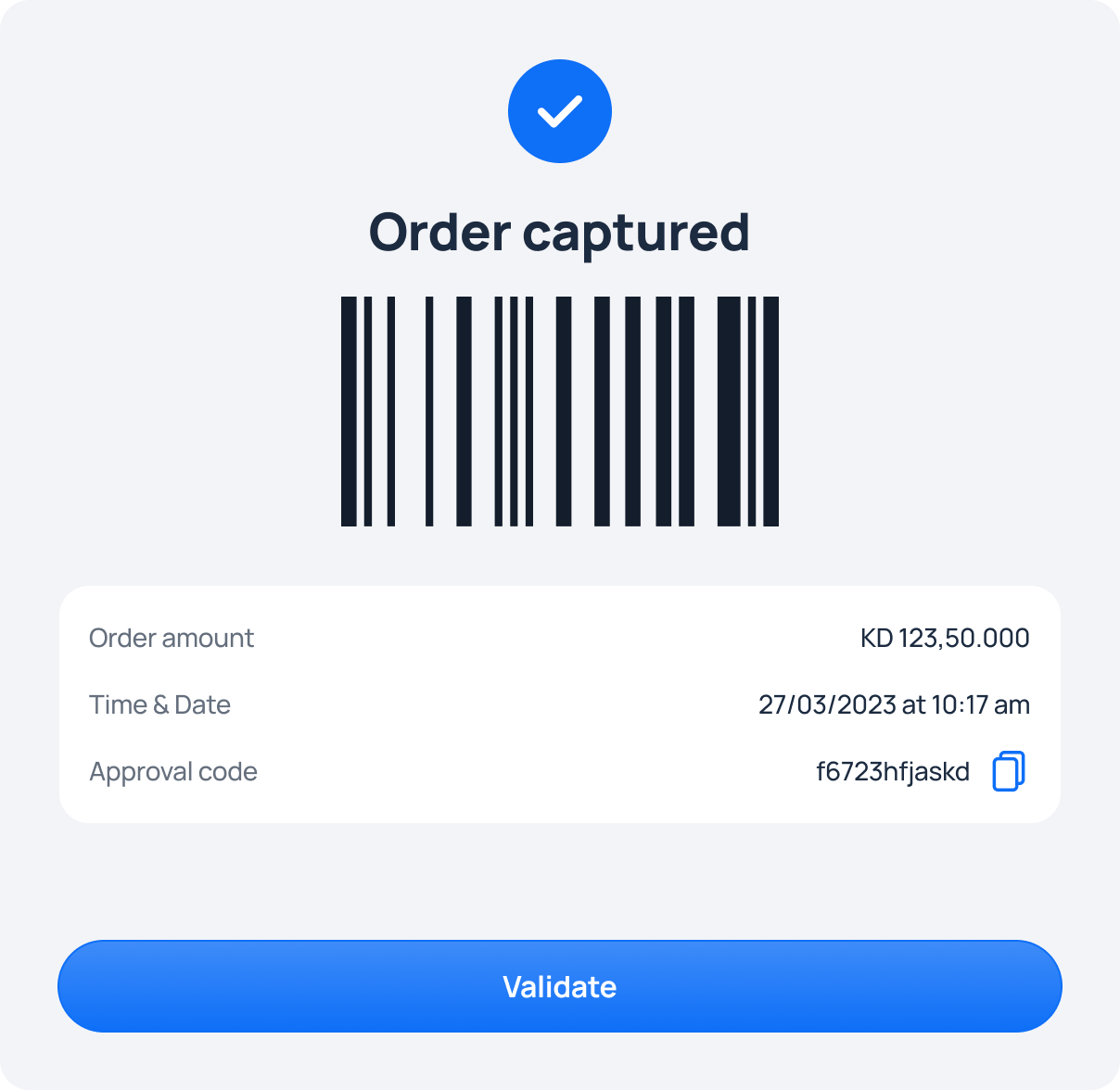
Order is captured:
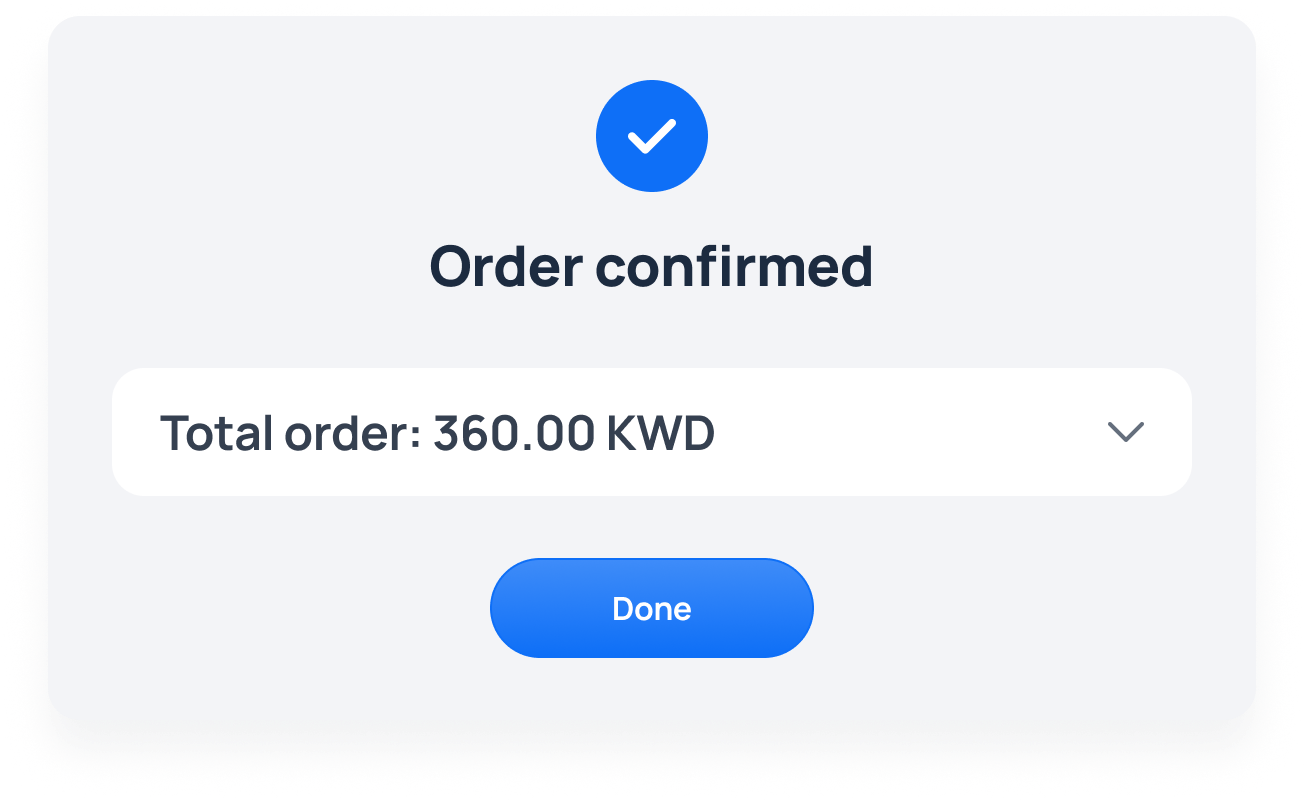
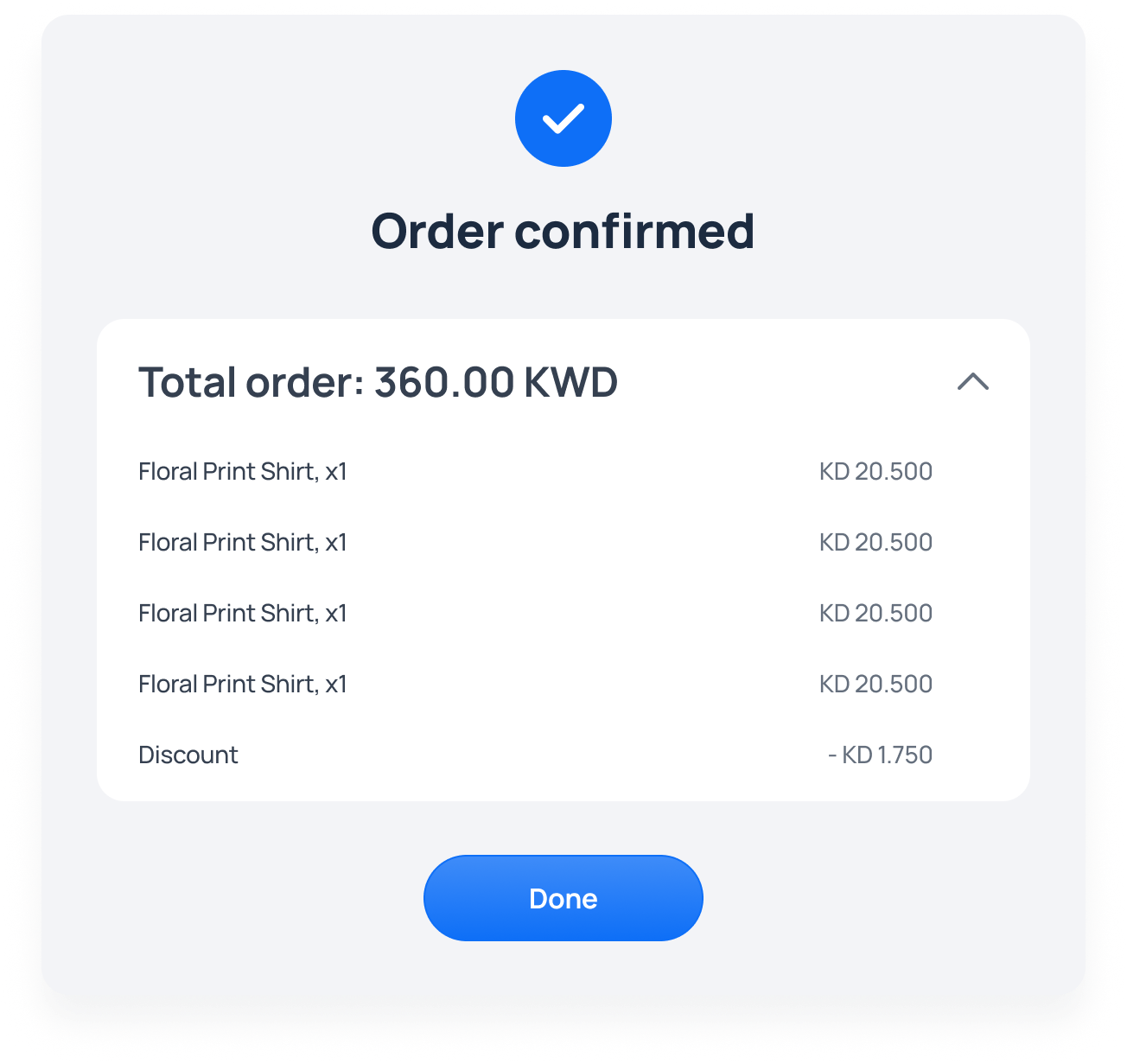
Confirmed – Order approved successfully.
Store your order and make sure its fully captured.
**POS receives an instant response:
For Failed/Cancelled – Customer declined or link expired (session timeout).
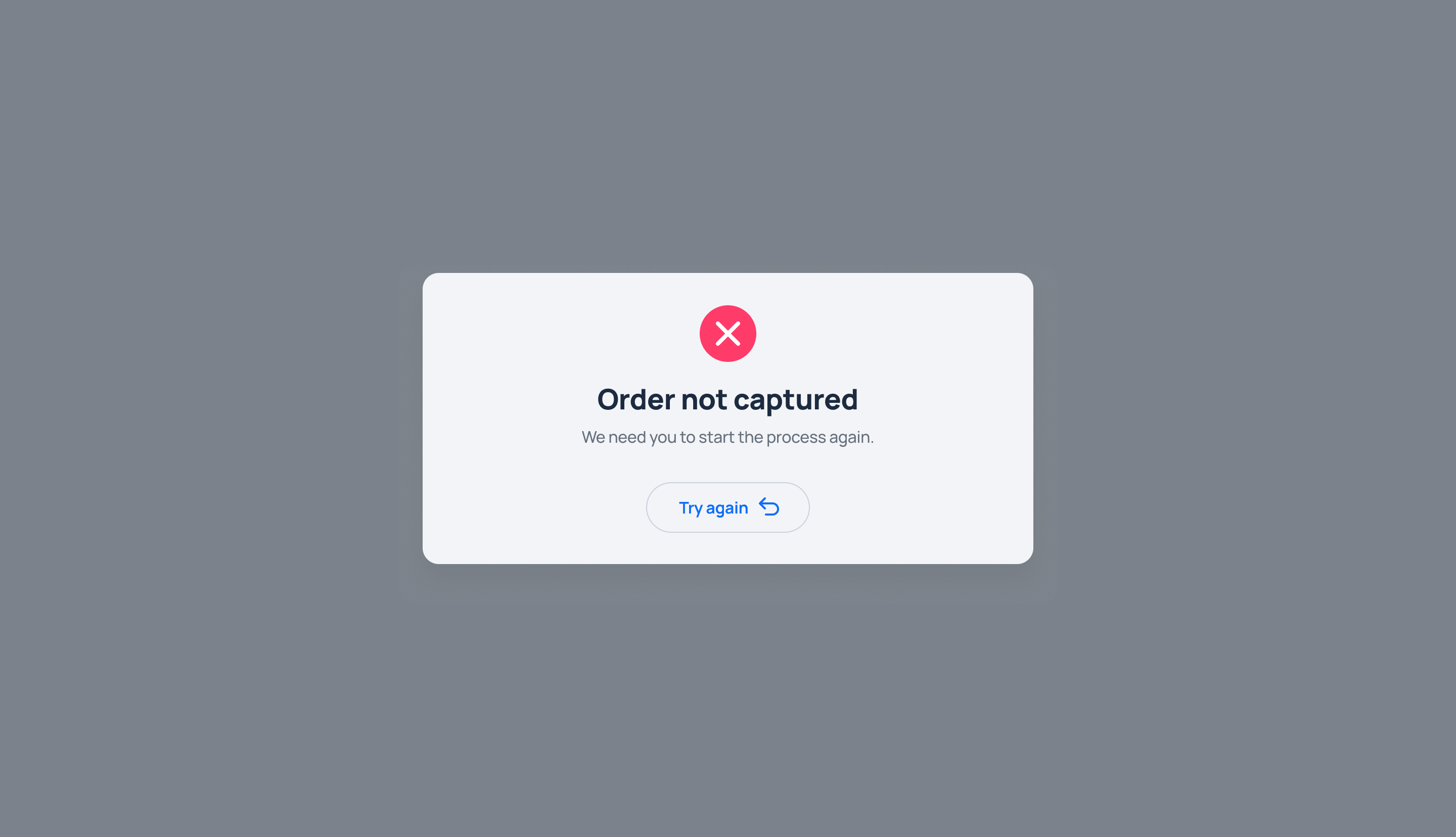
POS Integration API
This document provides details on the available endpoints to support automated in-store transactions.
Create In-Store Checkout Session
Endpoint: https://api.dev-taly.io/accounts/payment/in-store/checkout-session
Method: POST
Request Body Parameters
| Parameter | Type | Description |
|---|---|---|
| merchantOrderId | string | Unique ID for the merchant’s order (required) |
| language | string | Language code (e.g., EN, AR) |
| otherFee | number | Any additional fees |
| subTotal | number | Subtotal amount |
| taxAmount | number | Tax amount |
| totalAmount | number | Total payable amount (required) |
| currency | string | Currency code (e.g., KWD) (required) |
| customerDetails | object | Customer information (see below) (required) |
| merchantRedirectUrl | string | Redirect URL after payment (required) |
| orderItems | array/null | List of items in the order (optional) |
| storeNameOrCode | string/null | Store identifier (optional) |
| postBackUrl | string | Webhook URL for payment status updates |
Customer Details Object:
| Field | Type | Description |
|---|---|---|
| customerEmail | string | Customer's email address |
| firstName | string | First name |
| gender | string | Gender (M or F) |
| lastName | string | Last name |
| phoneNumber | string | Phone number |
| countryCode | string | Country code with + prefix |
Example Request:
{
  "merchantOrderId": "8KbLiwZ7RJ",
  "language": "EN",
  "otherFee": 0,
  "subTotal": 10,
  "taxAmount": 0,
  "totalAmount": 2,
  "currency": "KWD",
  "customerDetails": {
    "customerEmail": "[email protected]",
    "firstName": "Hisham",
    "gender": "M",
    "lastName": "Hamdoun",
    "phoneNumber": "90091993",
    "countryCode": "+965"
  },
  "merchantRedirectUrl": "www.taly.io",
  "orderItems": null,
  "storeNameOrCode": null,
  "postBackUrl": "https://api.dev-taly.io/uaa/webhook"
}
Example Response:
json
{
"totalAmount": 20,
"expiryTime": "2025/08/13 12:22",
"orderToken": "2595b783-91ca-4734-9f3e-a25c6225c2ed",
"merchantOrderId": "cMORWBMvMW"
}
Updated about 2 months ago