
Cancel an order
Authorised orders only will have an option to be cancelled, or updated, thus cancelling or reducing the total amount of the order and refunding the customer their paid amounts.
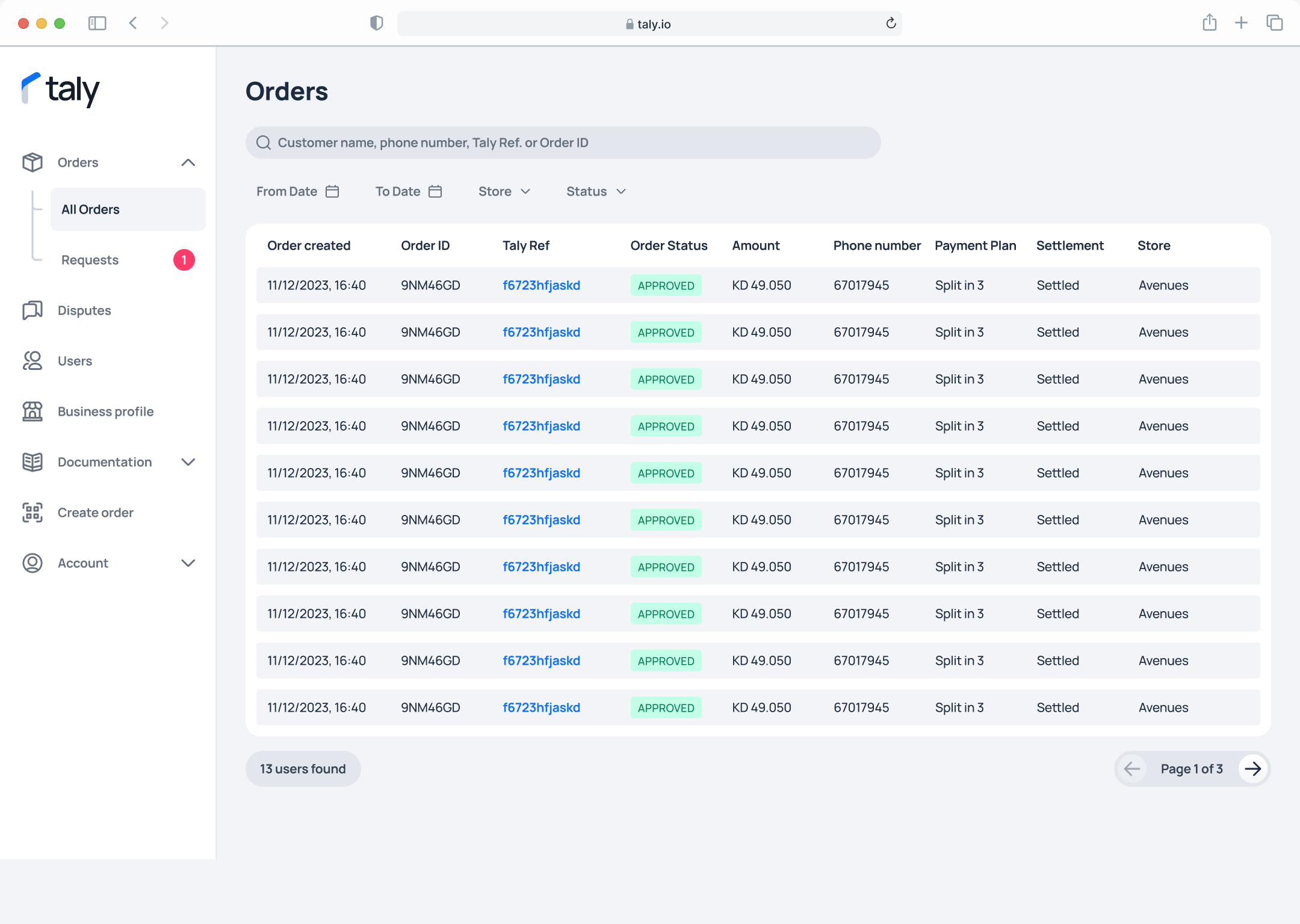
Step 1. On the left sidebar, click on All Orders under Orders. Then click on the Taly reference number Taly Ref to access the Order Details.
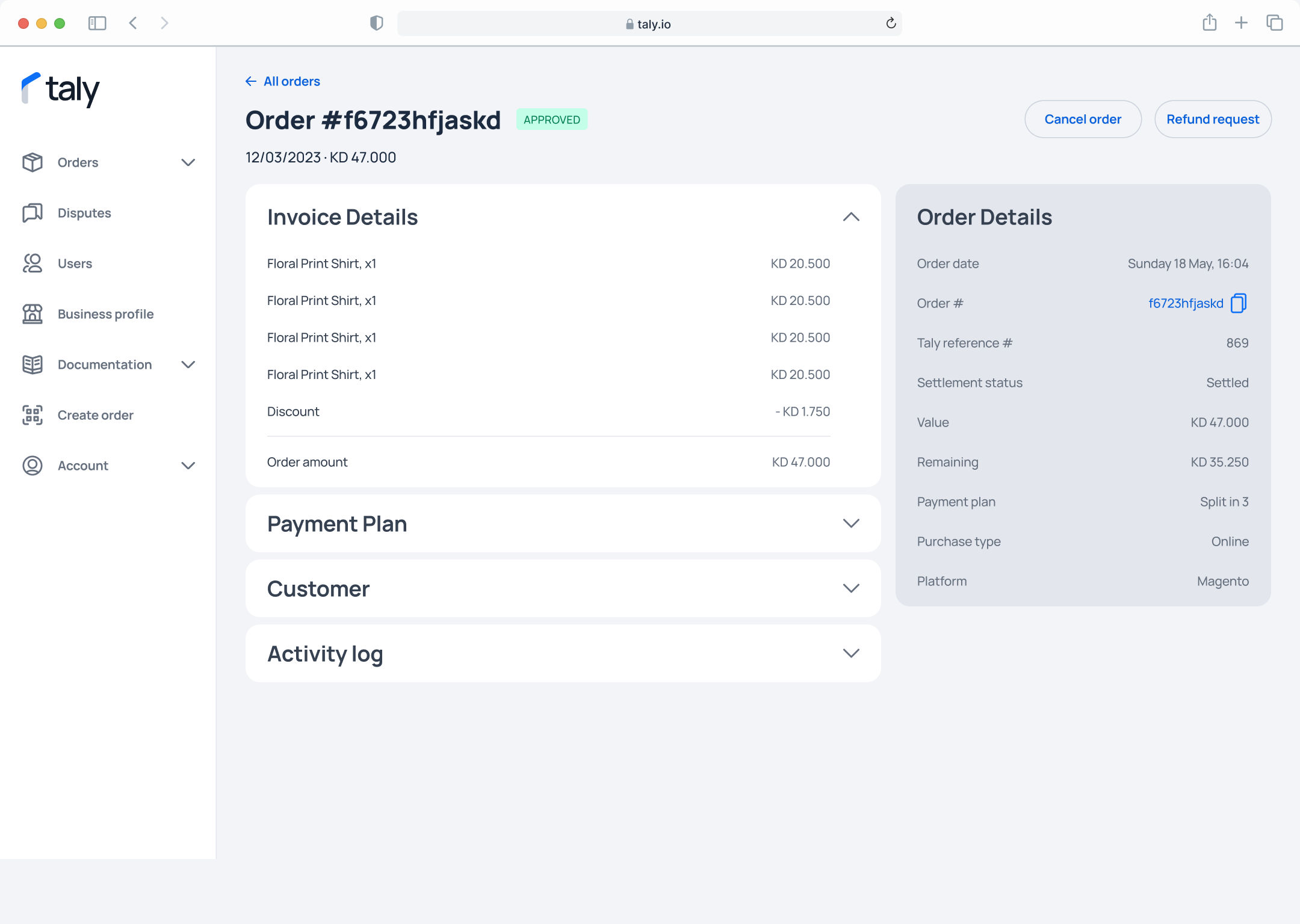
Step 2. Click on the Refund request button.
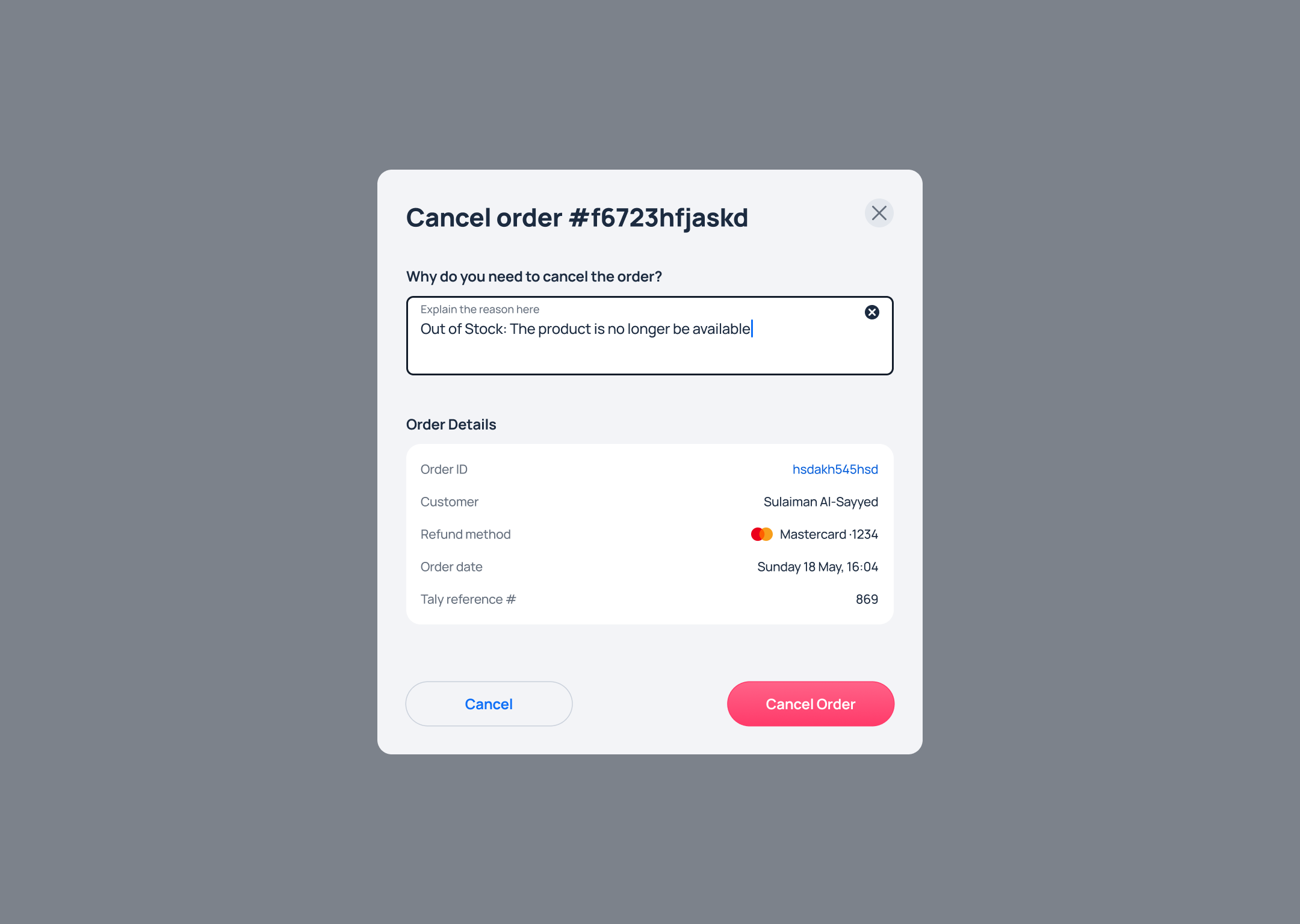
Step 3. Enter the reason why you want to cancel, then click on the Cancel Order button.
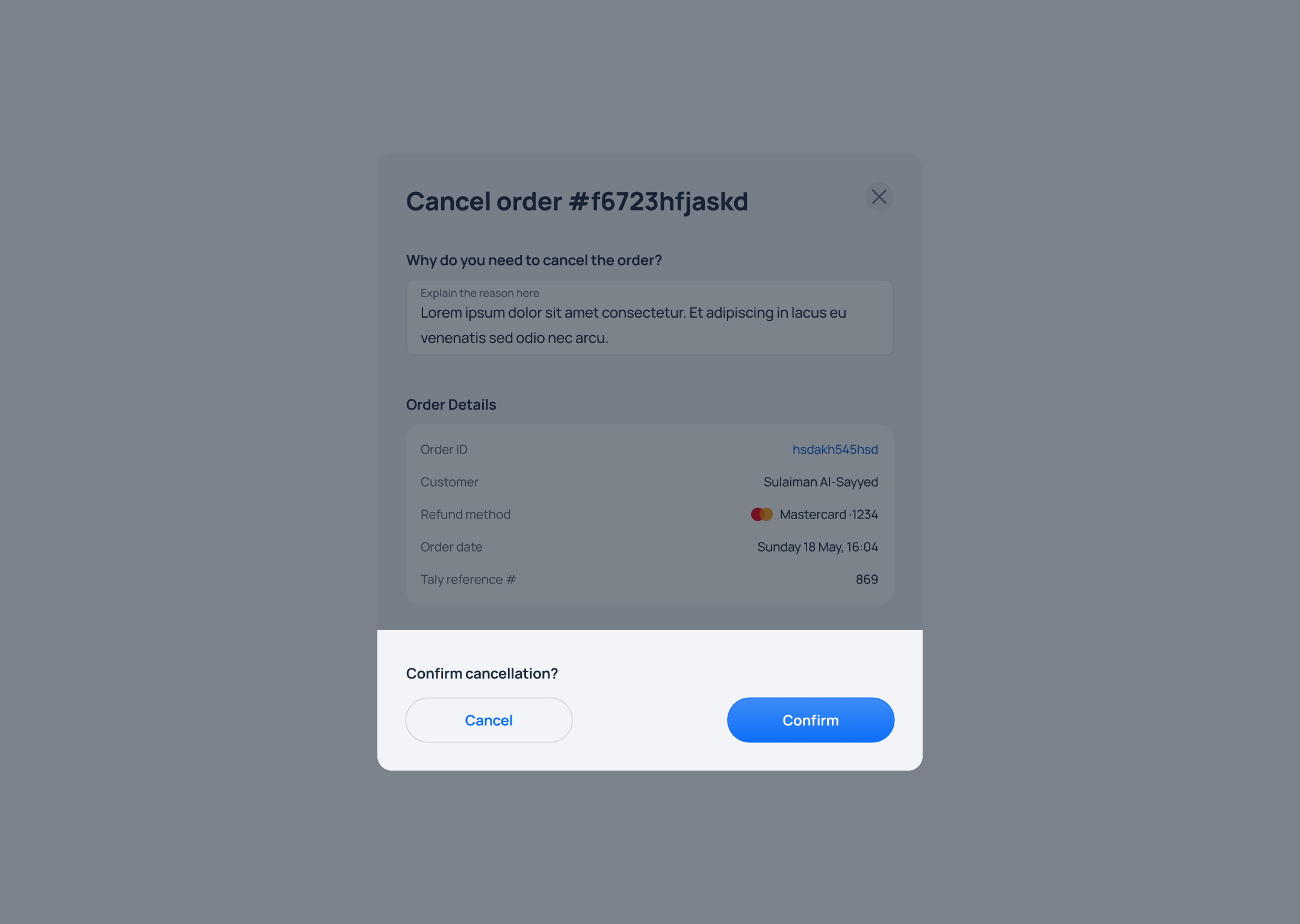
Step 4. Confirm the refund request by clicking on the Confirm button.
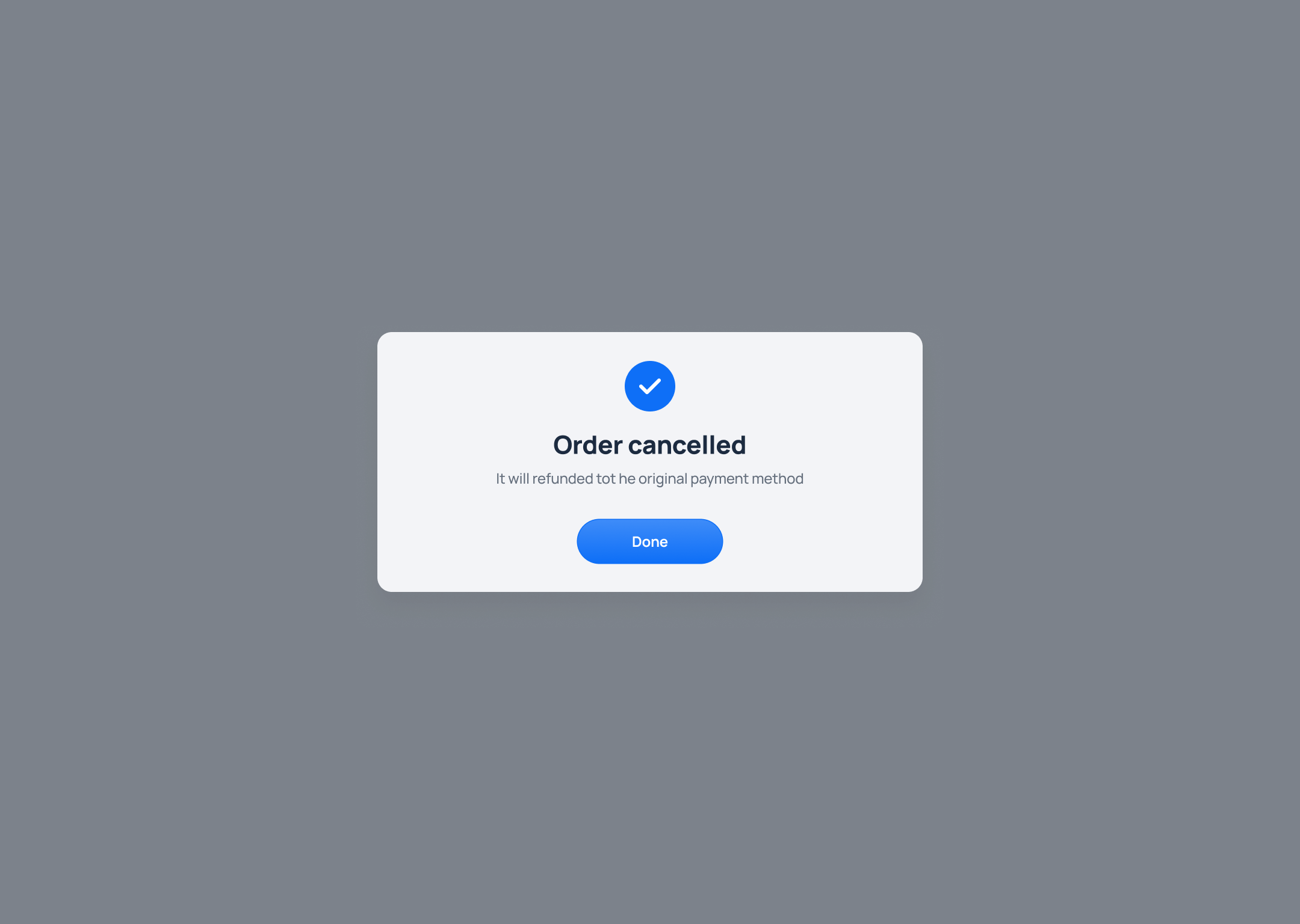
Step 5. A confirmation message will appear on the screen to indicate that the order has been successfully cancelled.
Updated over 1 year ago
Did this page help you?