
Create an order
Creating Payment links is a very simple task, this guide covers the how-to.
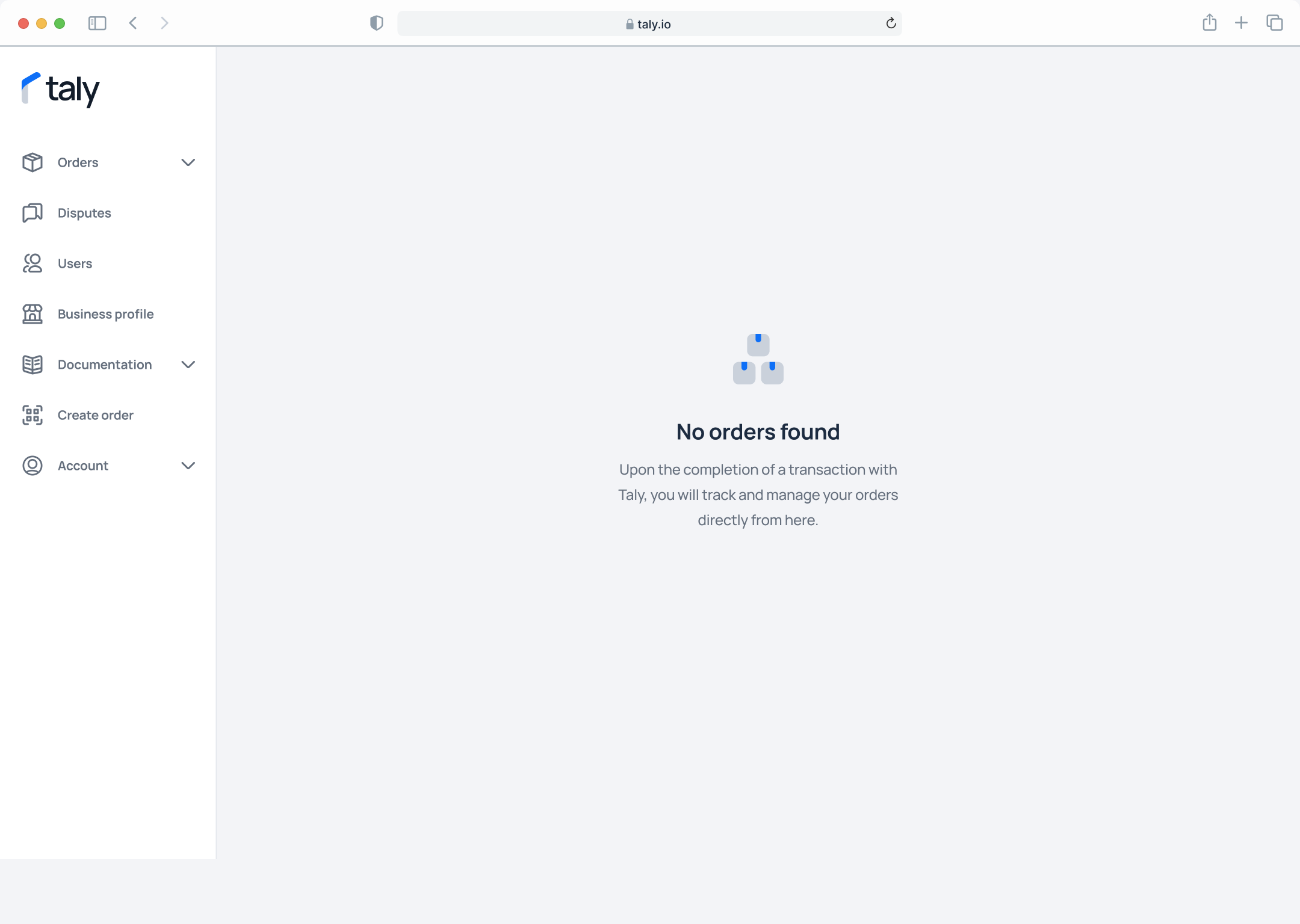
Step 1. On the left sidebar, click on Create Order
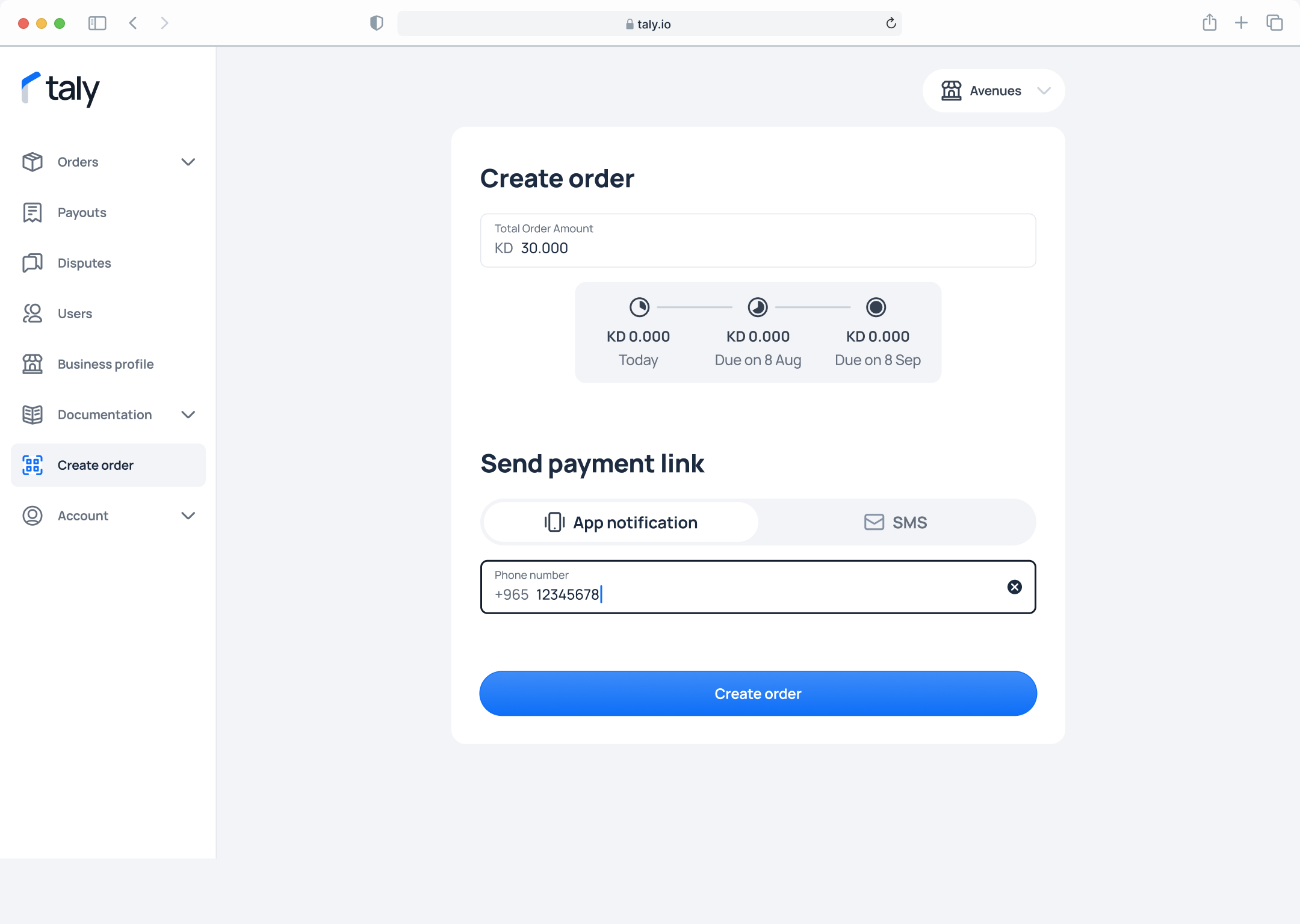
Step 2. Enter the Total Order Amount and the customer’s phone number. Select how the payment link wants to be sent, via App notification or via SMS to the customer andt then click on Create Order
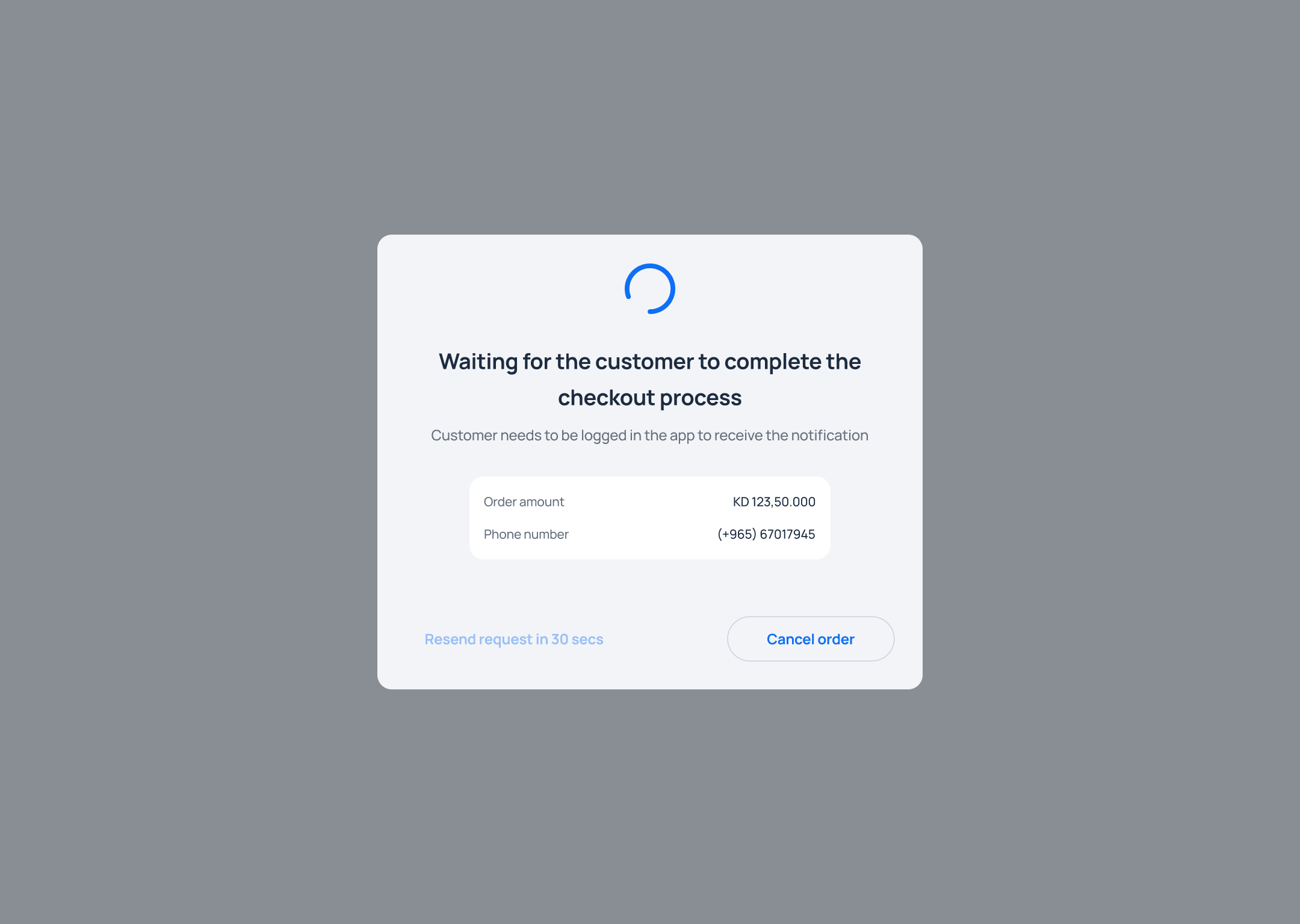
Step 3. Wait for the customer to complete the payment.
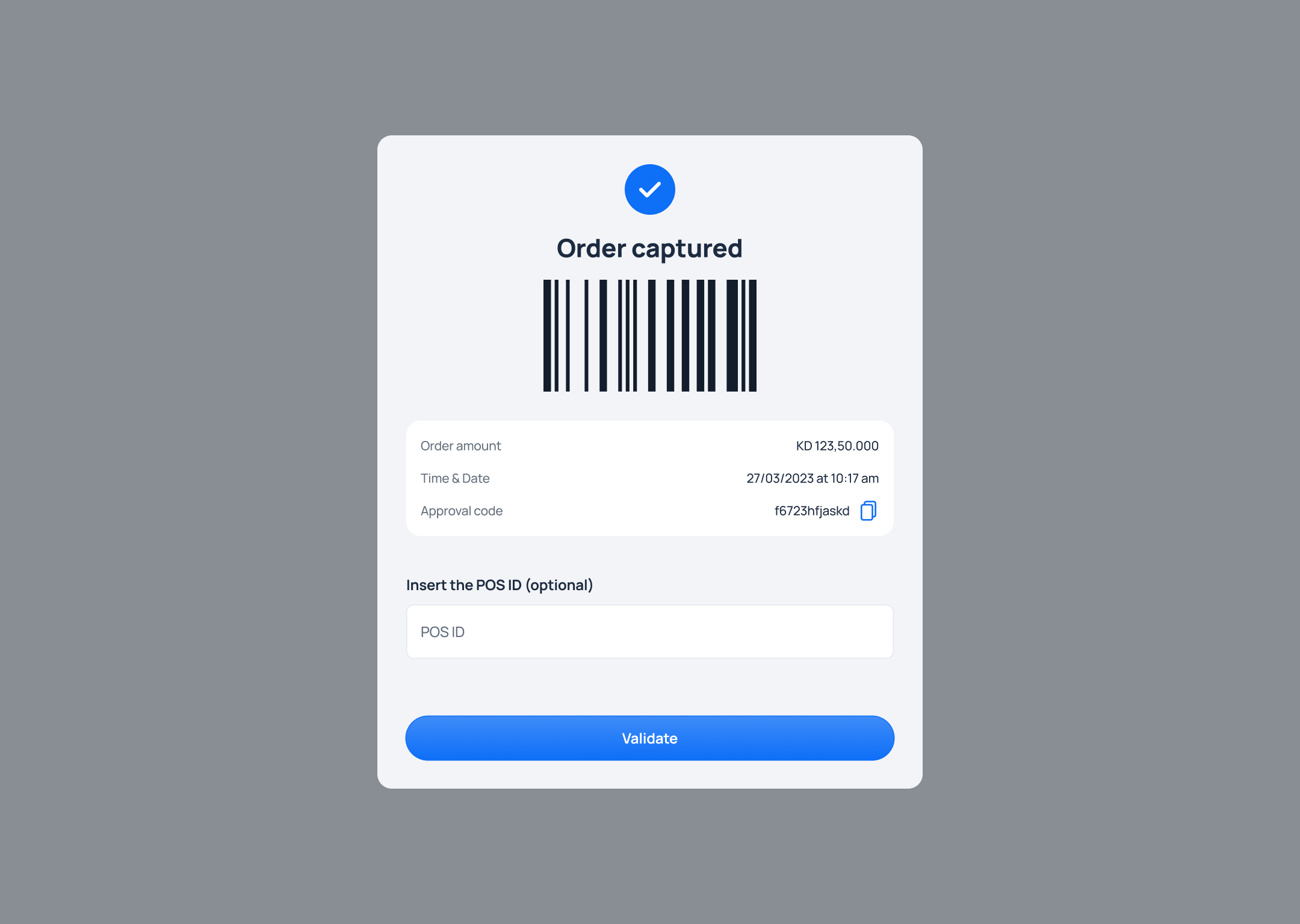
Step 4. Once the customer completes their 1st payment on their phone using the payment link, the order is captured at Taly side directly.
Updated about 1 year ago
Did this page help you?