
Managing a user
Manage or edit the users information and roles after creation.
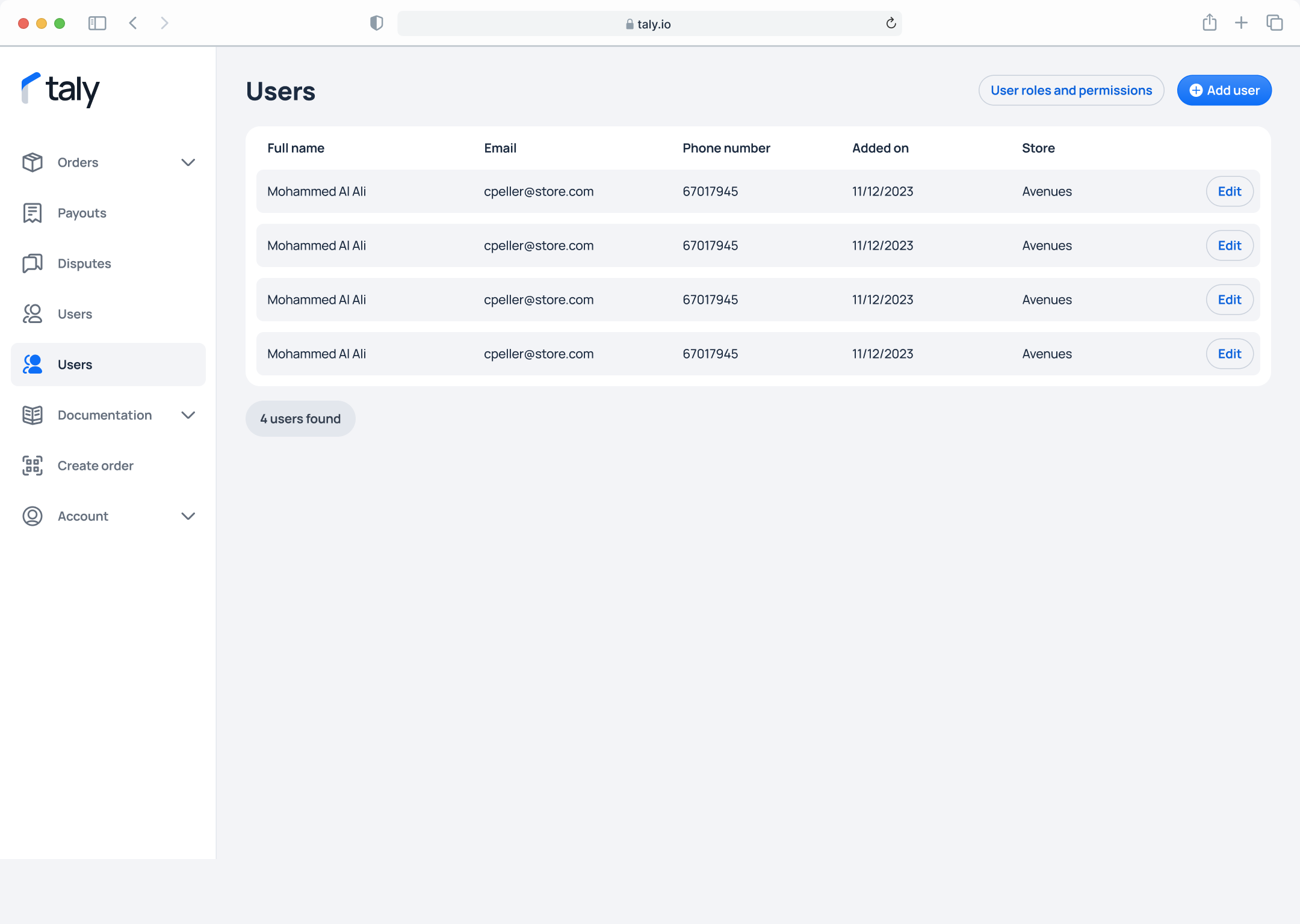
Step 1. On the left sidebar, click on Users, then select the Edit button.
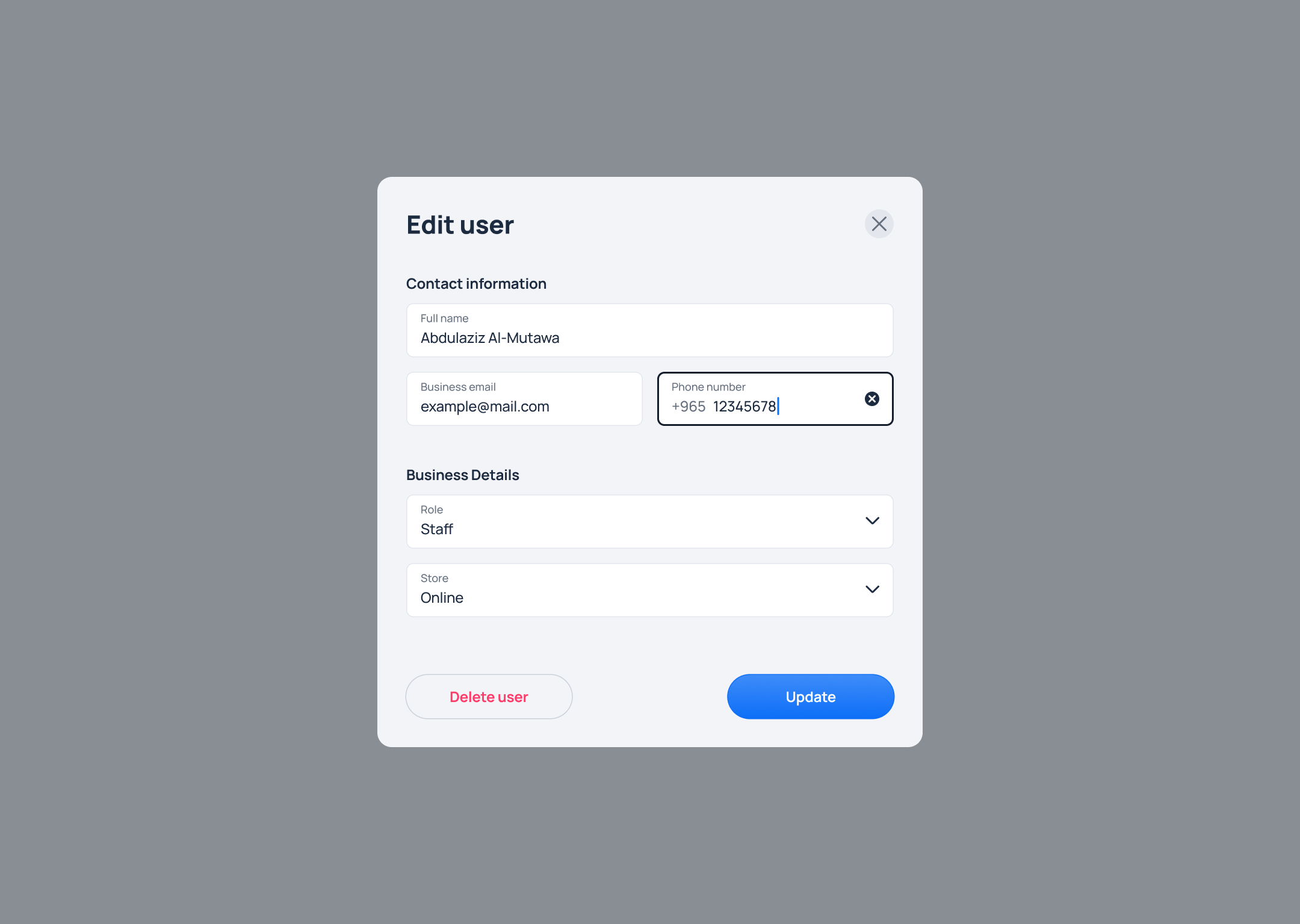
Step 2. You will be taken to the User Details page where Admin role users will be able to edit the user's details as shown below.
Updated over 1 year ago
Did this page help you?