
In-Store Transactions with Taly
Taly enables your customers to complete in-store transactions seamlessly. Partners can initiate in-store orders in two ways:
Taly enables your customers to complete in-store transactions seamlessly using our Buy Now, Pay Later (BNPL) services. Partners can initiate in-store orders in two ways:
- Via Taly Partner Portal:
1.1 Log in to the Taly Partners Portal.
1.2 Navigate to "Create Order"
1.3 Enter the transaction details including:
1.4 Transaction amount
1.5 Customer’s mobile number
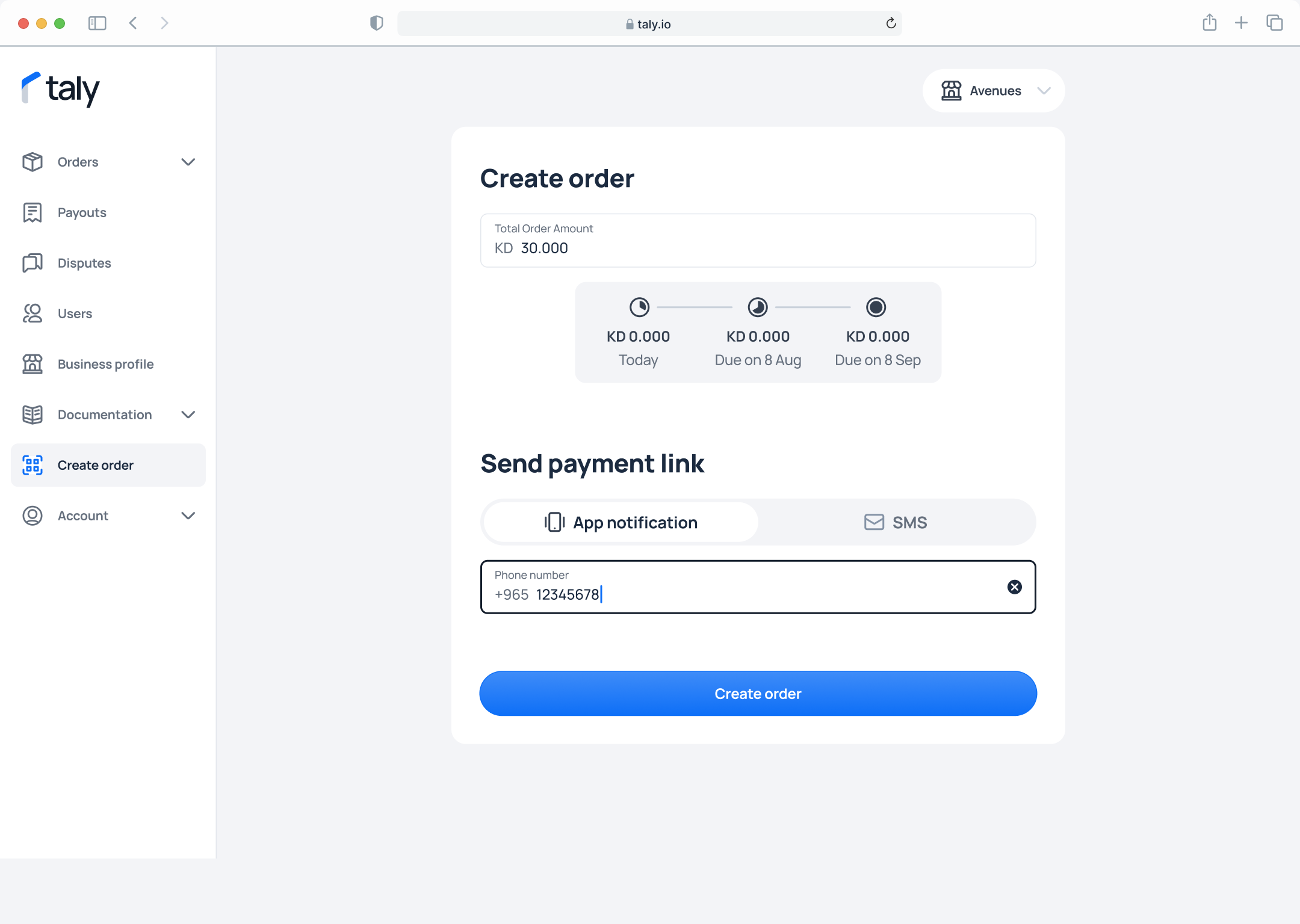
1.6 Generate a secure SMS payment link, which will be automatically sent to the customer.
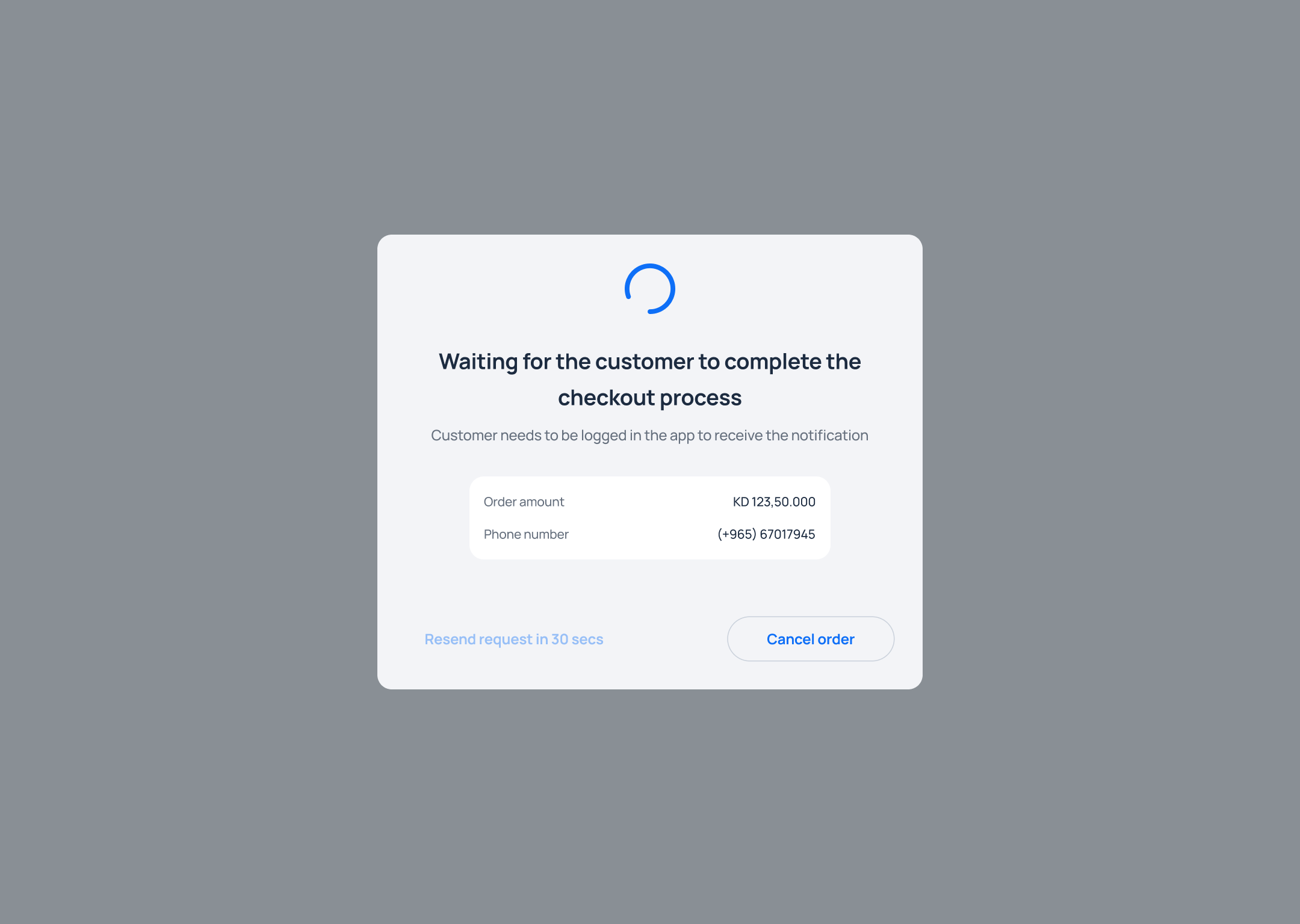
You can cancel the order or wait till the customer pay the first payment with Taly.
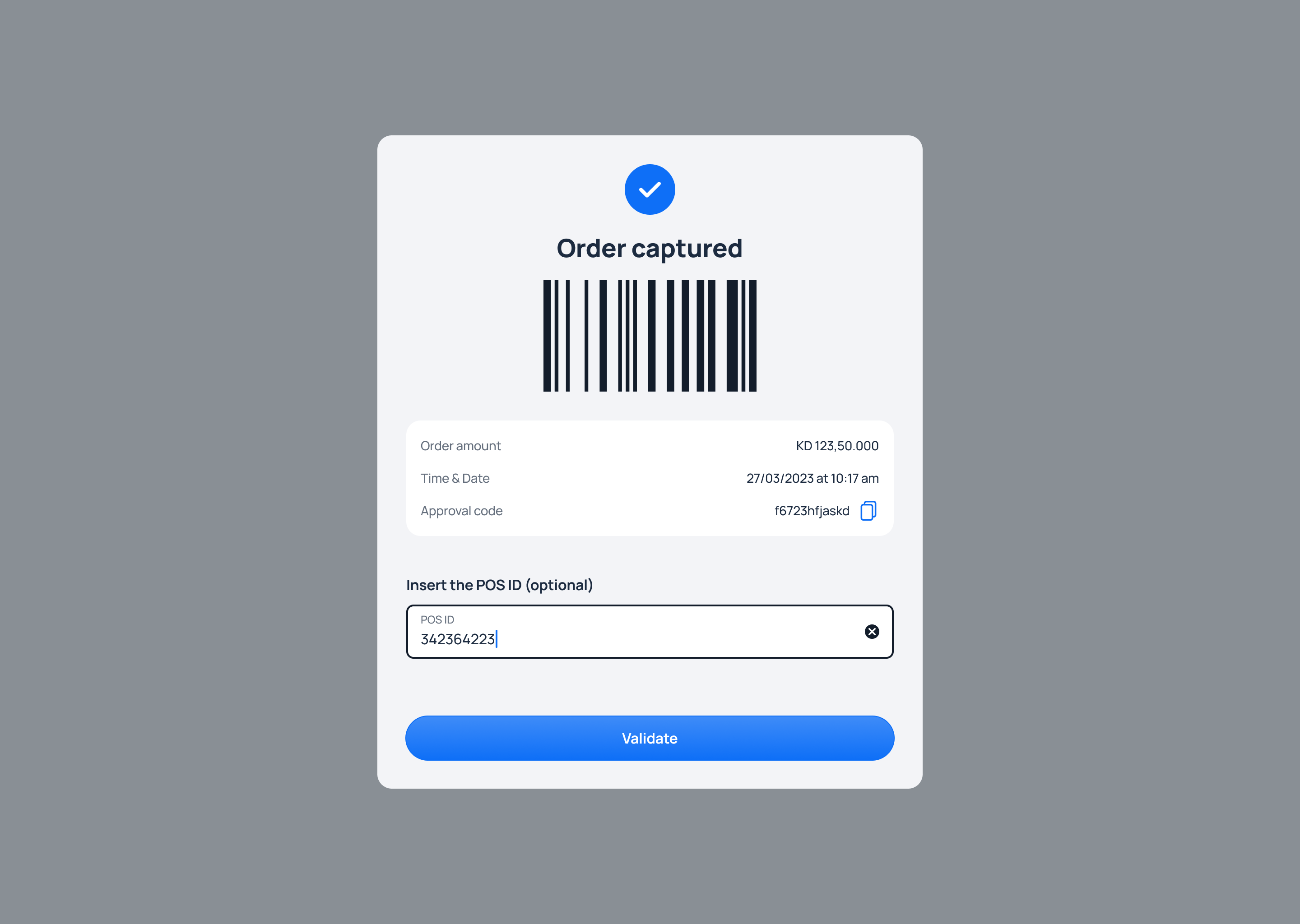
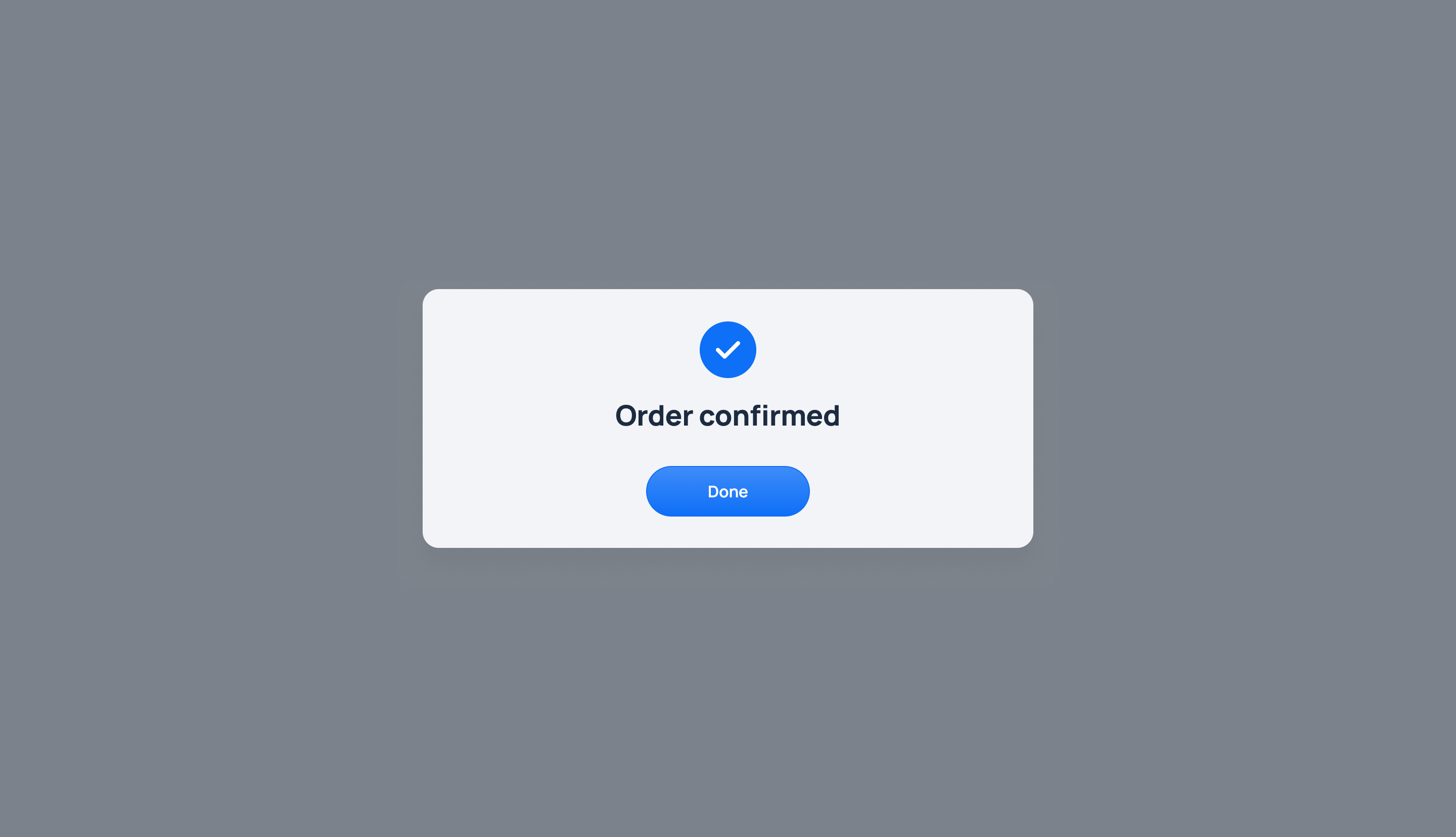
If order is confirmed you will see the following:
2.Via POS Extension:
Use Taly’s POS integration to directly create in-store transaction orders without accessing the portal.
Add the transaction amount, select the payment plan, and confirm the customer details.
A 15-minute SMS link will be sent to the customer to initiate the order.
Once the customer opens the link and confirms the payment plan, you will instantly receive a response indicating whether the order is Confirmed, Failed, or Cancelled. If the SMS link expires without action, the transaction will need to be re-initiated by the partner.
Updated 11 months ago